Features
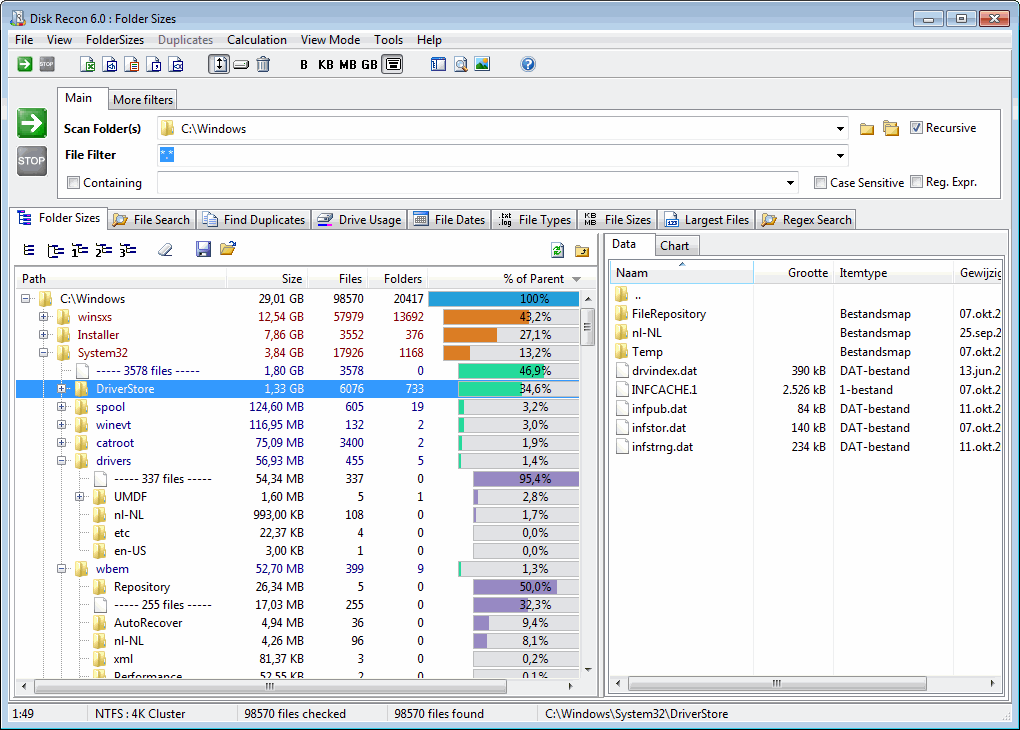
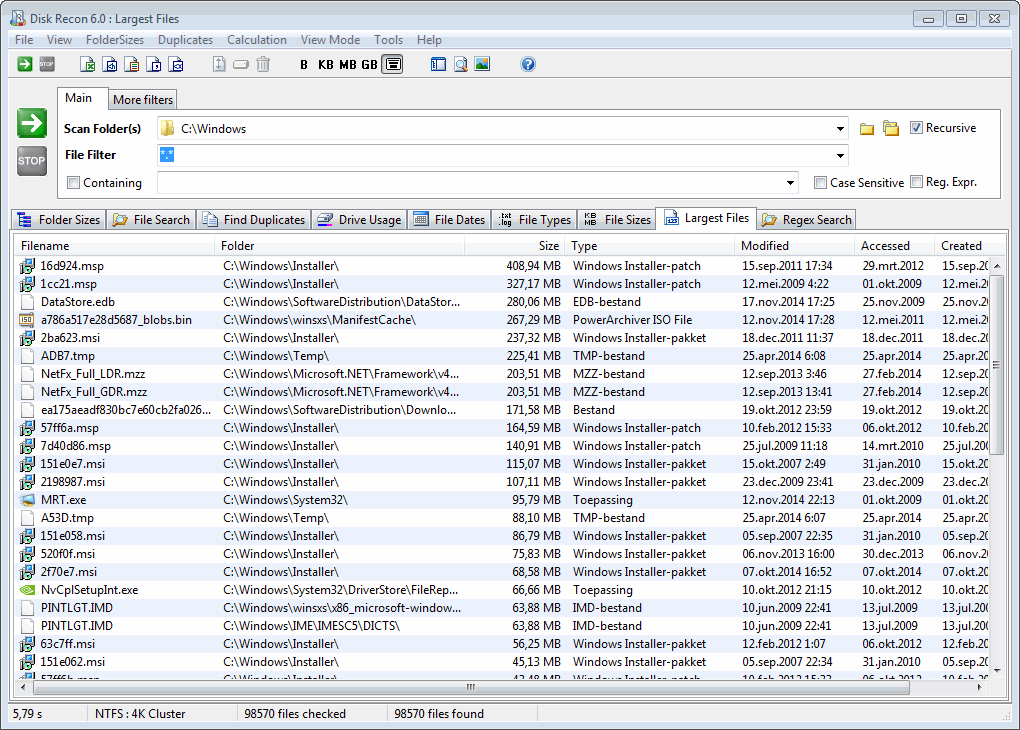
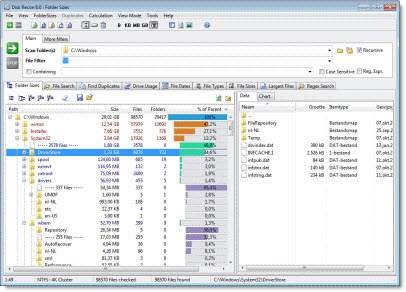
Folder Sizes
- Find large folders easily
- Show dates, owners, attributes
- Graphical views (pie or bar chart)
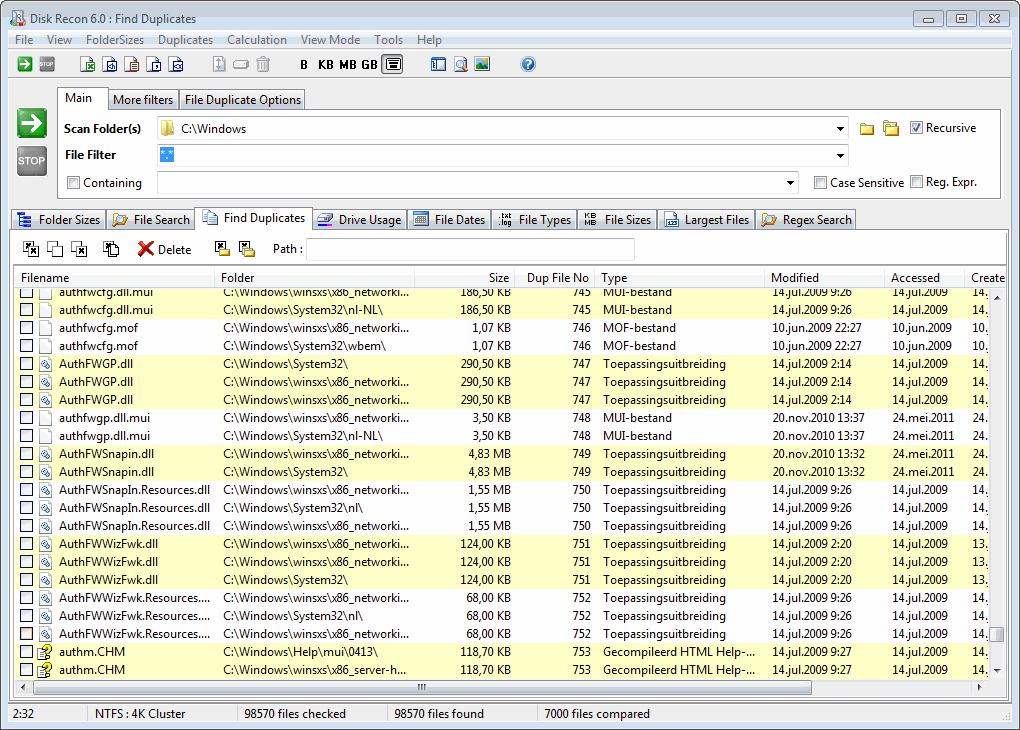
Duplicate Files
- Duplicates by name or contents (CRC)
- Duplicate folders detection
- Select and delete files
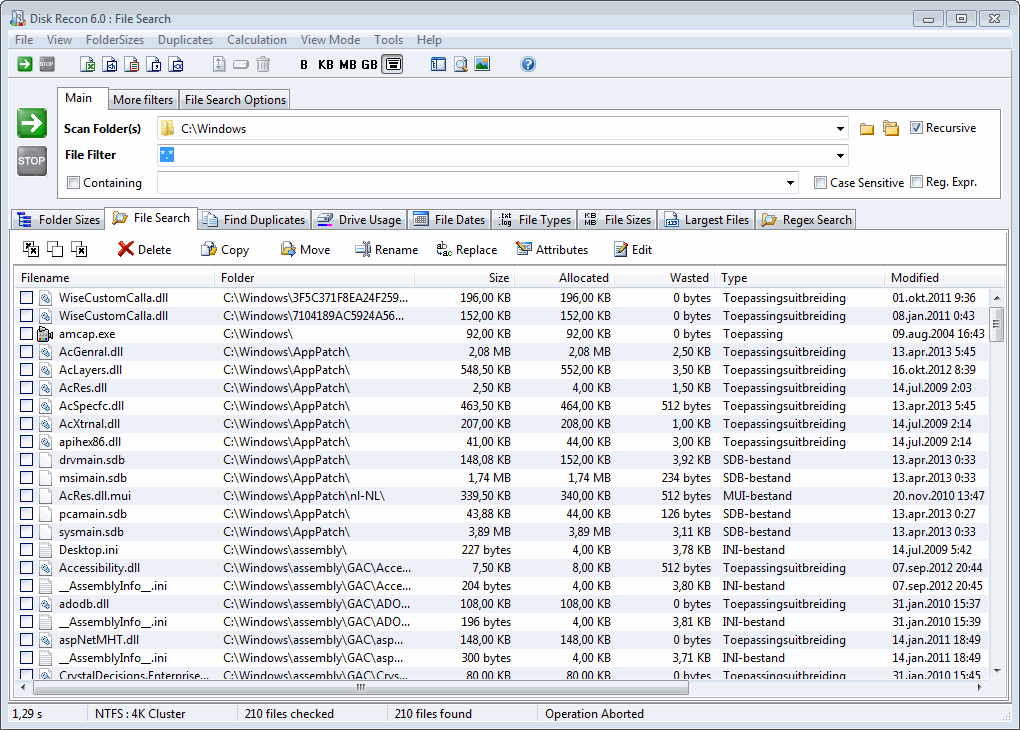
File Search
- Extended filter possibilities
- Unicode filenames supported
- Search inside files
File Monitor
- Show all file or folder activity
- Capture file history
Batch Rename
- Many rename options
- Attribute and date changes
File Preview
- Supports most common file types
- Search inside files
About Disk Recon
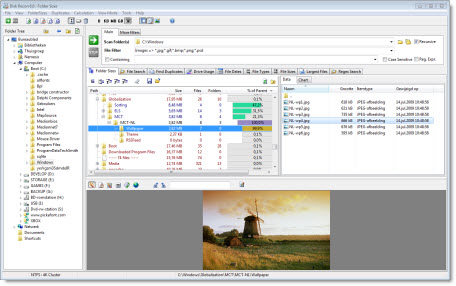
Disk Recon is a disk exploration tool that lets you view where all your folders and files are in a much friendlier way than conventional tools. With its extensive filter and search capabilities, Disk Recon is the premier choice for IT specialists and home users alike.
- Analyze folder and disk space usage with an intuitive interface
- Find all duplicate files by name, size or contents with an option to delete
- Any operation can be executed on subsets of data using extensive filtering
- Filters include dates, sizes, attributes and text to find within a file
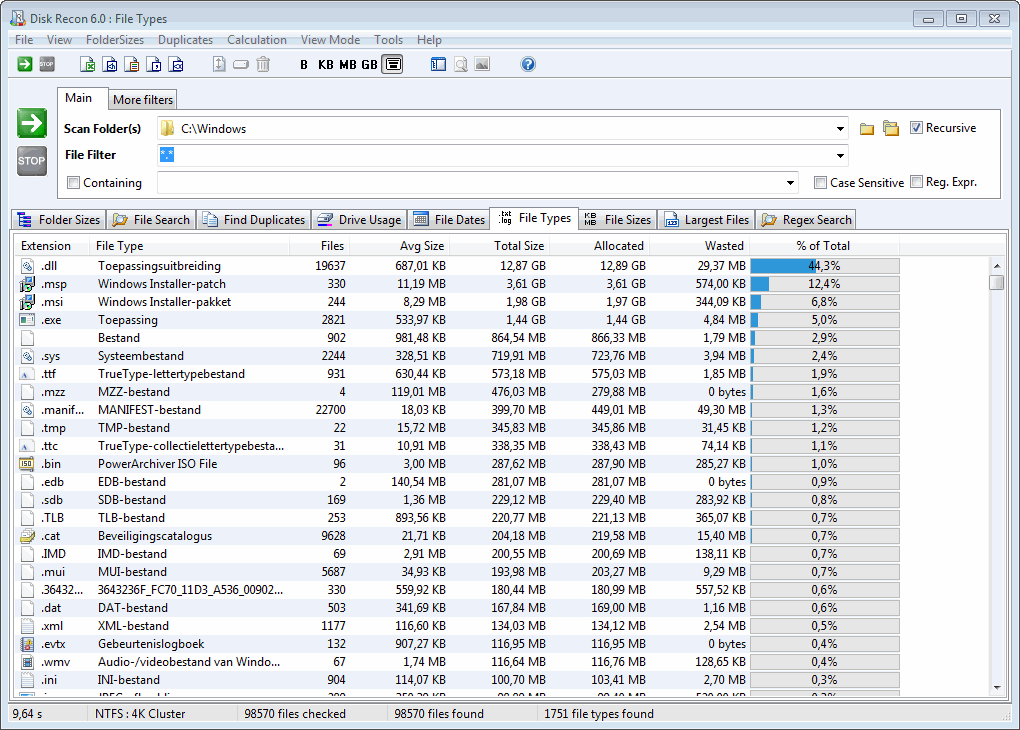
- Retrieve statistical data about your files by type or size
- Export to MS Excel, XML, CSV, HTML and TXT
- Explorer-like interface with context-sensitive popups
- Handles all file sizes (including files > 4GB)
- Local and network drives supported — UNC notation supported
- File monitor shows all file activity in a selected folder
- Show space lost by cluster size (slack space)
- Supports compressed files/folders/drives (NTFS)
- Shell integration
- Supports Unicode file and folder names